Guest photos
Get the photos your guests take at your wedding
Guests scan a QR code and send their photos and videos from their phones, with no app and no account. You decide what shows, and approved photos can play live on the big screen. It's free.
You'll need a free Vows.sg account. No wedding website needed.

What you'd miss
The moments only your guests see
Your photographer follows the two of you. Your guests are at every other table.

Your friends in tears at the speech

Your aunties laughing at their table
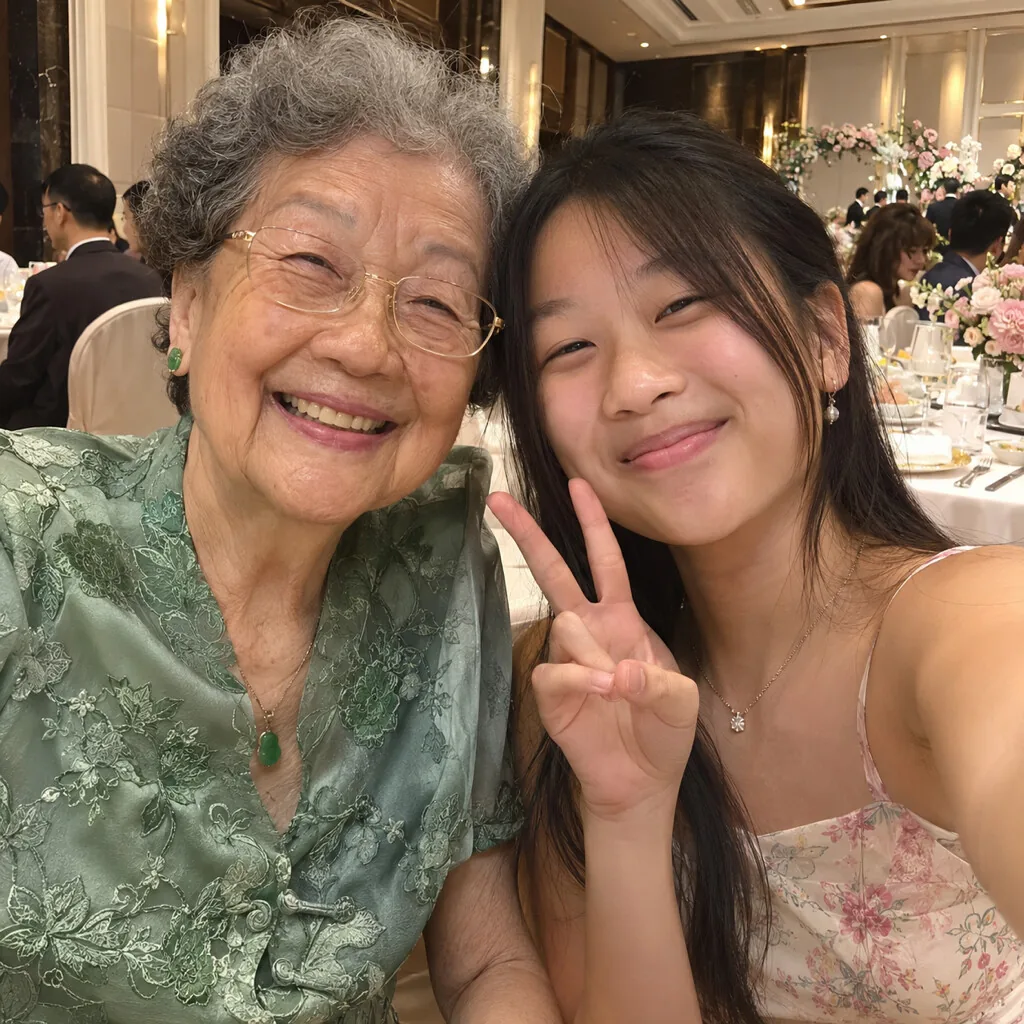
Your grandma taking a selfie
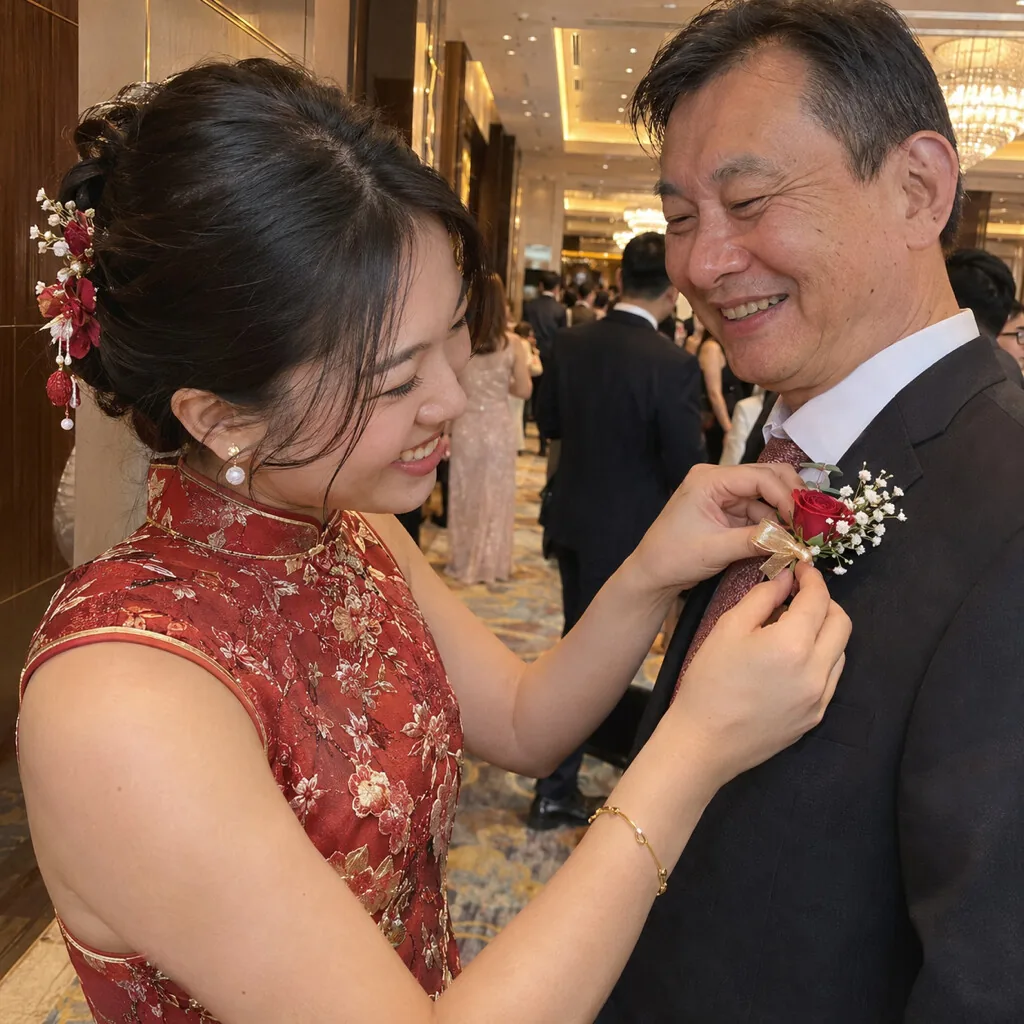
Your dad's flower being pinned on
Sample pictures, AI-generated, not from a real wedding.
How it works
Three steps
1. Put the sign out
Print the ready-made door sign and table cards, or save the QR code as a picture and add it to your own design.
Welcome
Alex & Sam
Share your photos

Scan to share your photos and videos, send a wish and join in from your phone. No app needed.
Your door sign. Scan this one to try the album. 2. Guests send their photos
The phone camera opens the page in the browser. Guests add their name and send up to 20 photos at a time, plus videos up to 60 seconds.
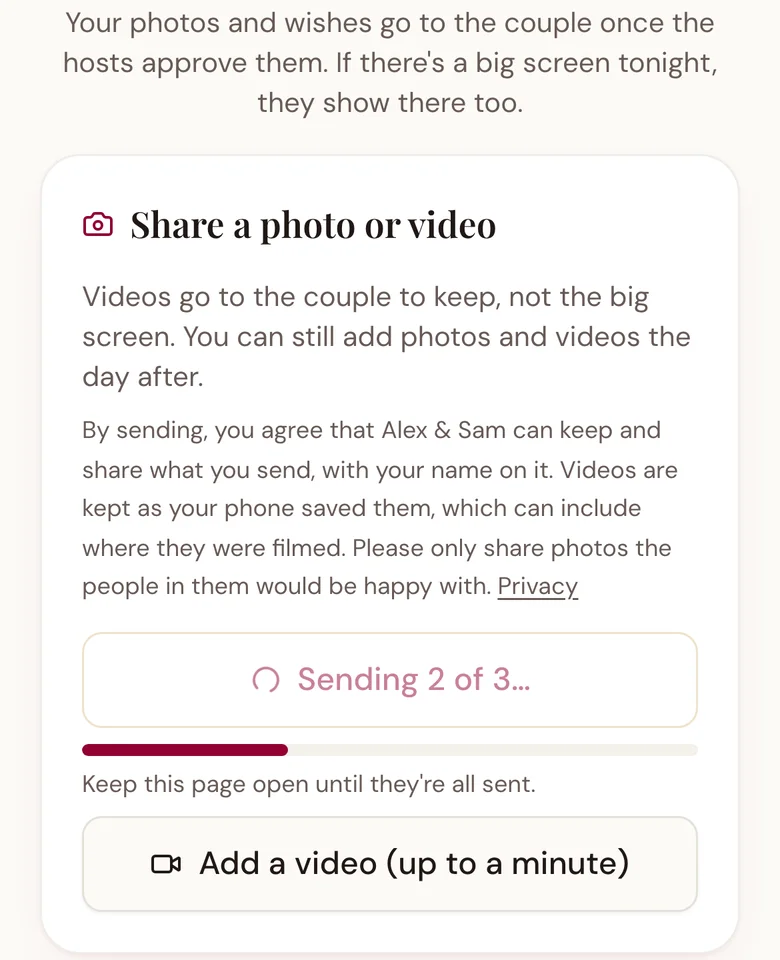
What guests see on their phones. 3. You approve them
See who sent what, approve the ones you want and hide the rest. Download everything you approved as a zip file.
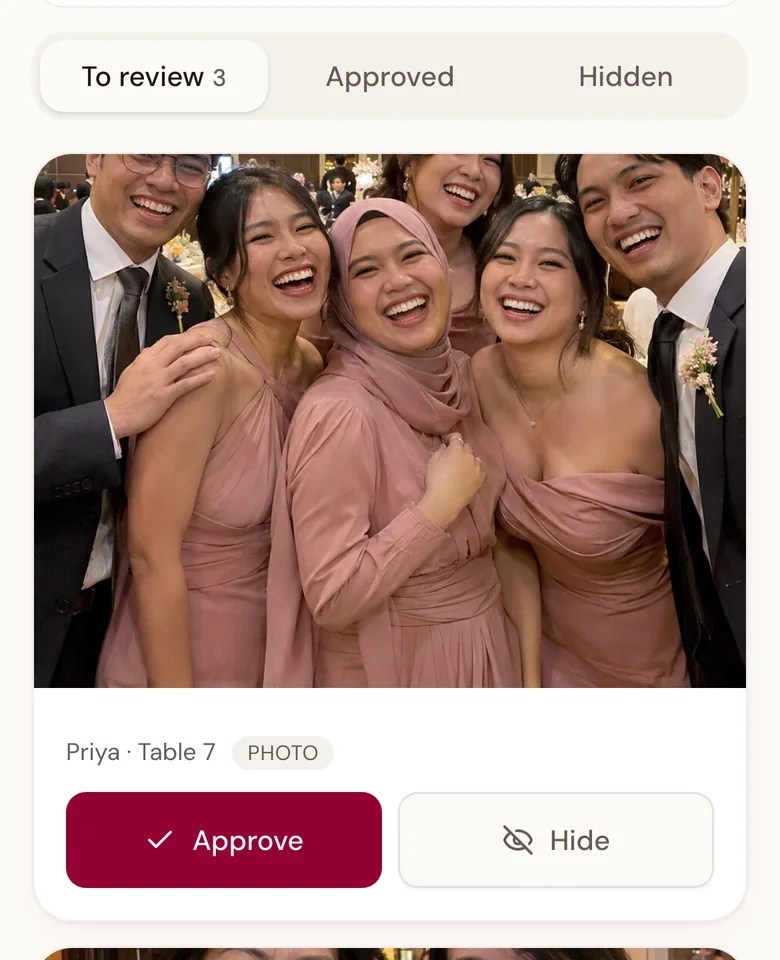
What you see, with an AI-generated sample photo.
You decide what shows
Guests can't browse an album on their phones. Each photo waits for your approval, unless you switch on automatic approval, and you can hide anything later. Guests agree to a short consent line before they send.
On the night
Show their photos live on the big screen
Guests send a photo, you approve it, and it joins the wall in the ballroom. Their wishes show there too. It's free, and you can skip it if you don't have a screen.
Set up guest photos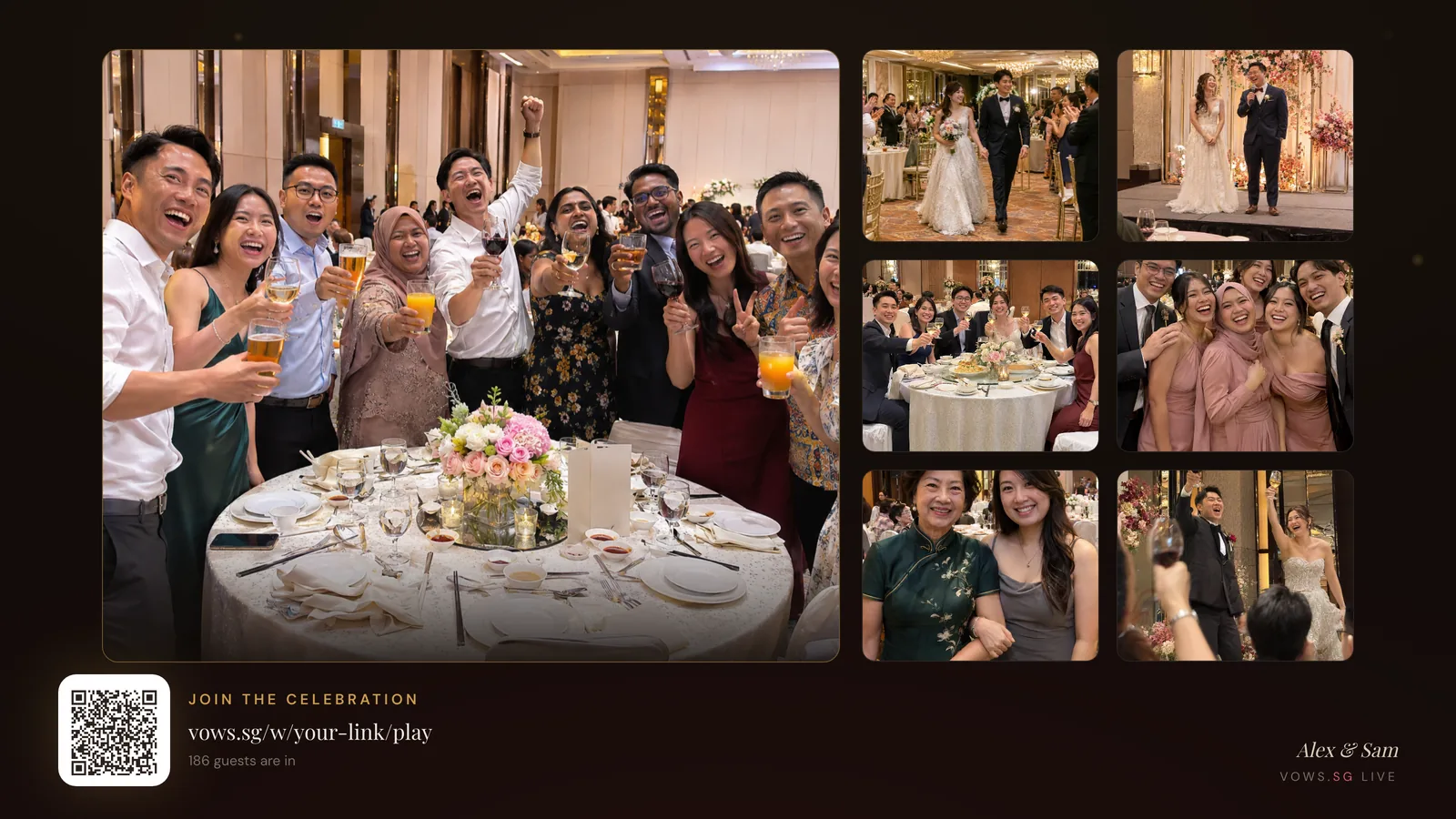
Sample album
Try it with one of your own photos
What guests see
Share a photo or video
Pick a photo to see how it works. It stays on your device and nothing is uploaded.
What you get
Every photo shows who sent it
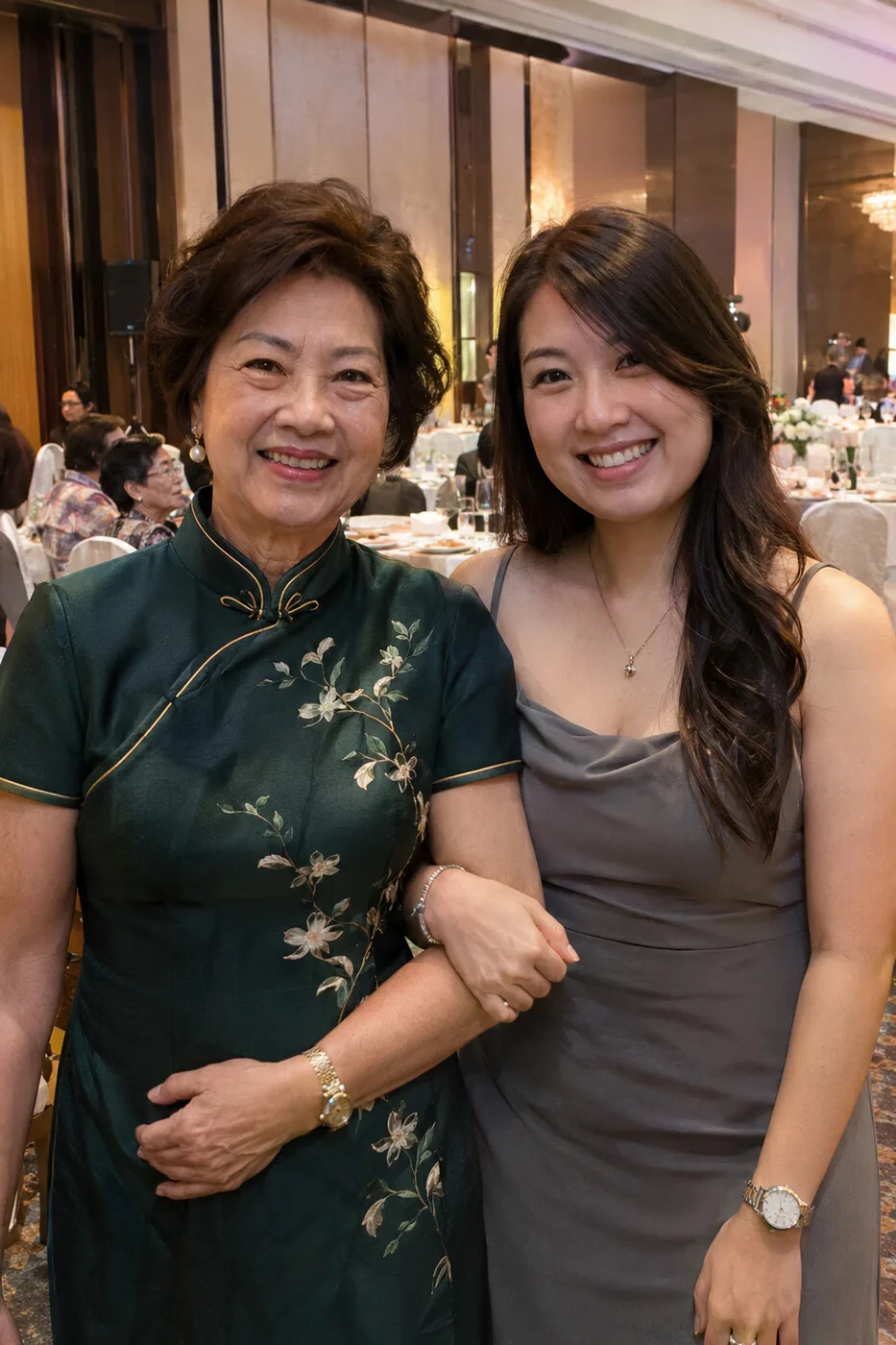
From Aunty Mei
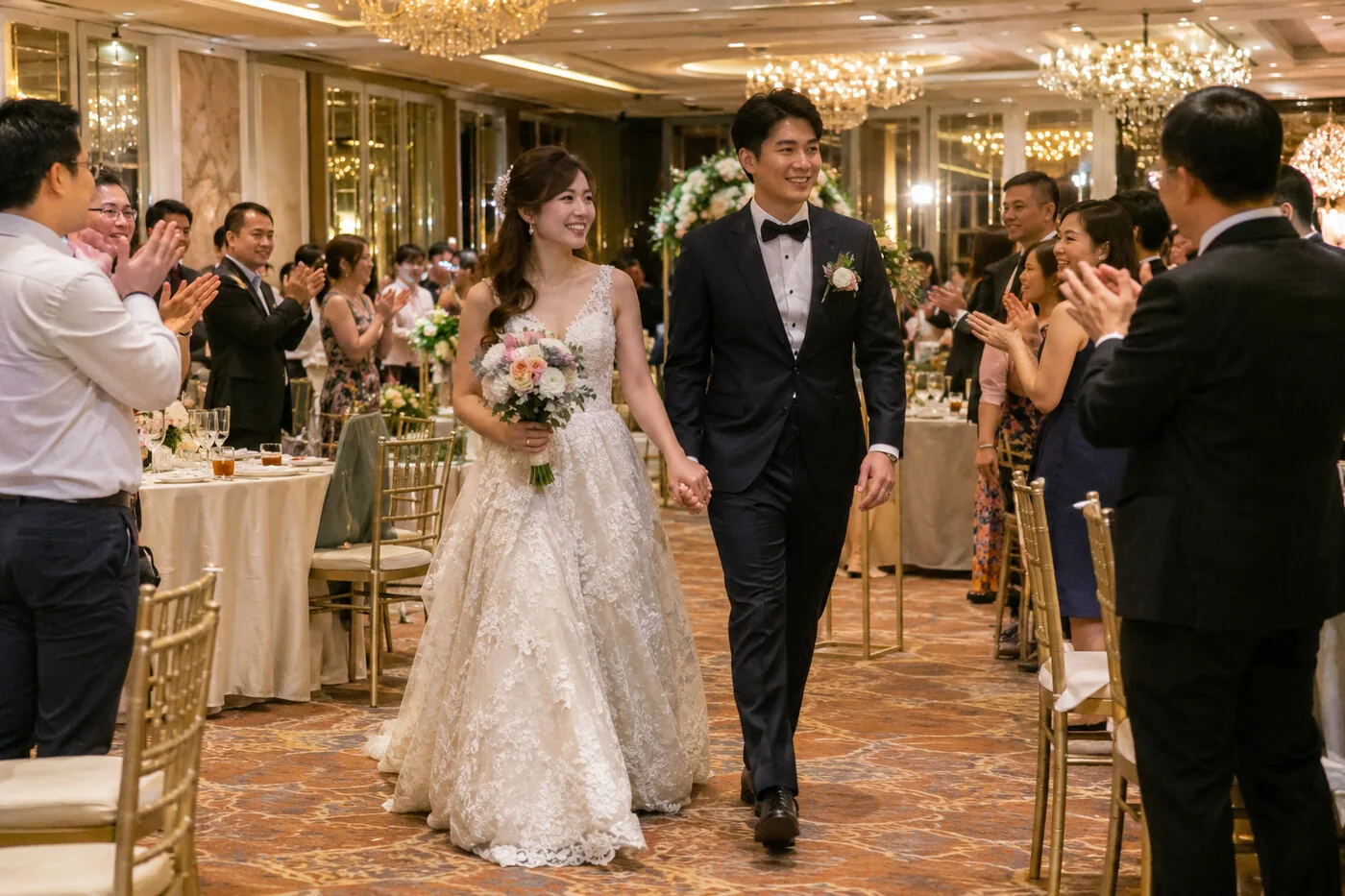
From Uncle Tan
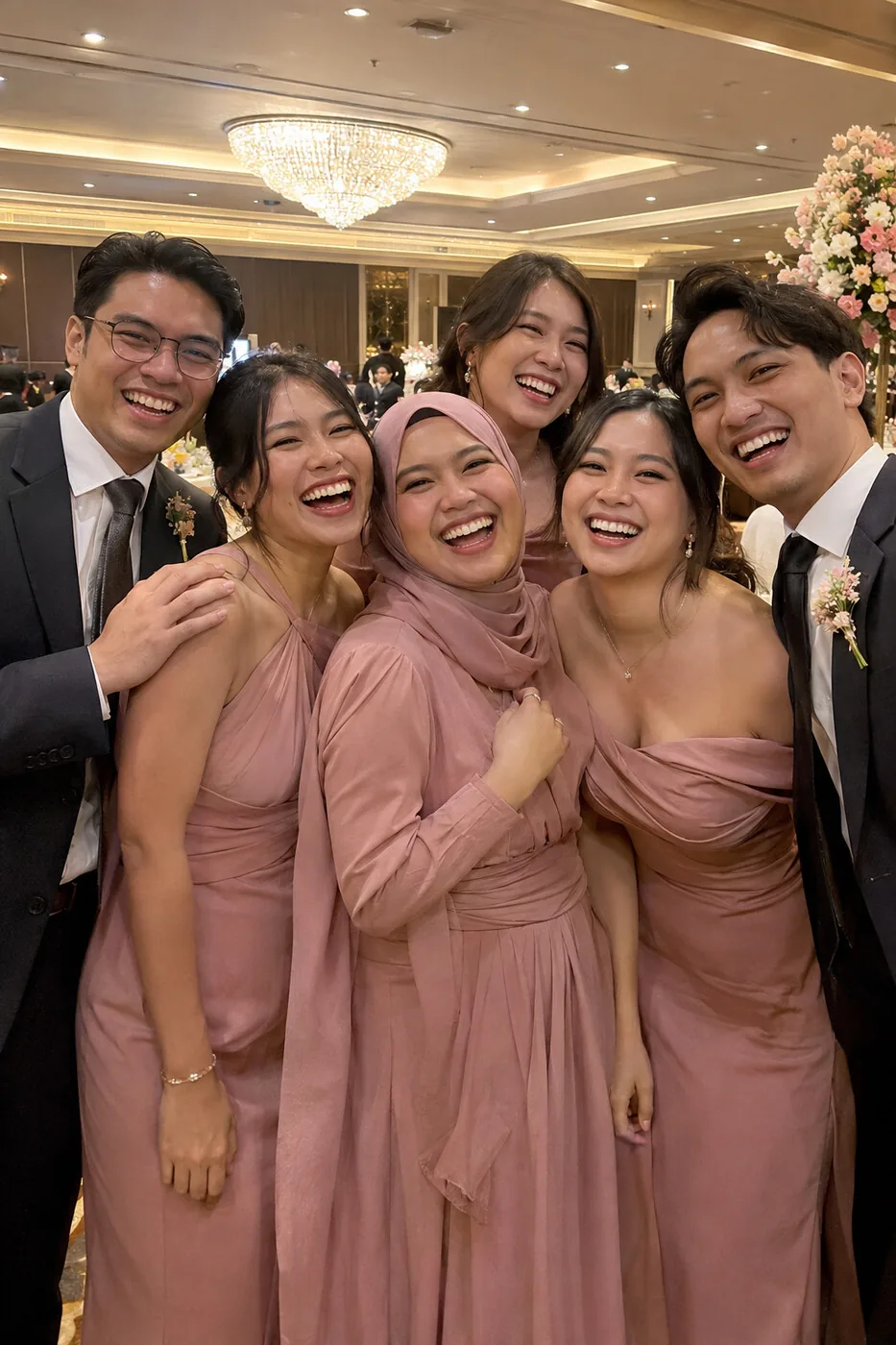
From Priya

From Hui Min

From Jun Wei

From Daniel
These sample pictures are AI-generated, not from a real wedding.
The limits
What each wedding gets
- Photos per wedding
- 3,000
- Videos per wedding
- 100
- Each guest can send
- 100 photos and 3 videos
- Longest video
- 60 seconds, up to 50 MB
- Photo size
- Up to 3,200 pixels on the long side
- Who approves
- You, or switch on automatic approval
The same screen runs games
Trivia, the shoe game and more, for every table to play from their phones. It's optional, and it's free too.
See the big screen and gamesCompare
How it compares with paid services
Vows.sg is our own service, so check the others yourself too. If you need unlimited uploads or separate albums, a paid service may suit you better.
- Vows.sgFree option: Free for every weddingPaid option: No paid planLimit: 3,000 photos and 100 videos, in one album
- Candid CamFree option: No free planPaid option: S$45 or S$89, one paymentLimit: 200 or 500 uploads, bigger plans from US$99
- WediboxFree option: Free plan with 50 guest photosPaid option: US$49 or US$79, one paymentLimit: Unlimited guest uploads on paid plans
- GuestCamFree option: No free planPaid option: $49 or $97, one paymentLimit: No cap on guests, photos or videos
- POVFree option: Free for up to 10 guestsPaid option: Price depends on the number of guestsLimit: Set by your guest count
From each company's own pricing page on 7 November 2026. Prices change and some run discounts, so check before you choose. See the full comparison.
Questions
Common questions
Is it really free?
Yes. There is no fee for you or your guests. You don't need to build a wedding website for it, just a free Vows.sg account.
Do guests need to download an app or make an account?
No. Guests scan the QR code with their phone camera, the page opens in the browser, and they add their name to start sending.
Is this the same as Candid Cam?
No. Candid Cam is a separate paid service, and we aren't connected to it. The idea is similar: every guest's phone works as a candid camera, and their photos come to you in one album. Ours is free, and approved photos can also play live on the big screen.
Do we need a projector or big screen?
No. Without a screen, photos simply come to you. If you do have a screen, approved photos and wishes can show on it during the banquet.
How do we show the photos on the big screen?
Open your screen link on the laptop connected to the ballroom screen or projector and make it full screen. It needs internet at the venue. Each photo you approve joins the wall, and the screen moves through your names and QR code, the photos and the wishes on its own.
Who can see the photos?
Guests can't browse an album on their phones. You see everything first, unless you switch on automatic approval, and you can hide any photo. If you want to share the album, you can make a keepsake link, with a password if you like.
Can guests send videos?
Yes, up to 3 each, 60 seconds and 50 MB at most. Videos come to you and don't show on the big screen. They are kept as the phone saved them, which can include where they were filmed. Photos have that information removed.
Do we get the original files?
Not for photos. They are saved at up to 3,200 pixels on the long side, and very large files may be made smaller to send. They are for the moments your photographer misses, not a replacement for your photographer.
Can we have separate albums for the tea ceremony and the banquet?
No. Everything goes into one album, with the name of the guest who sent it. If you need separate albums, a paid service may suit you better.
Can guests still send photos after the wedding?
Yes. The same QR code and link still work the day after, so guests can send what they find on their phones the next morning.
How do we get the photos afterwards?
Open your keepsake page in your plan and download the night as a zip file, with every approved photo and video and a page of the wishes. Large albums come in a few parts. Do this soon after the wedding so you have your own copy.
What if the QR code gets shared with people who weren't invited?
Make a new guest link and the old QR code stops working, though you'd need to print the cards again. You can also switch the page off at any time.
Comparing every way to collect photos, including shared albums and hashtags? Read our guest photo sharing guide.
Get your guests' photos
Sign in, add your names, pick your link, and print your QR code on table cards and a door sign.
Set up guest photos